Import your leases in bulk
Upload a CSV or Excel file with up to 1,000 leases. Property managers can bring a Buildium export, with past invoices and payments.
How the import works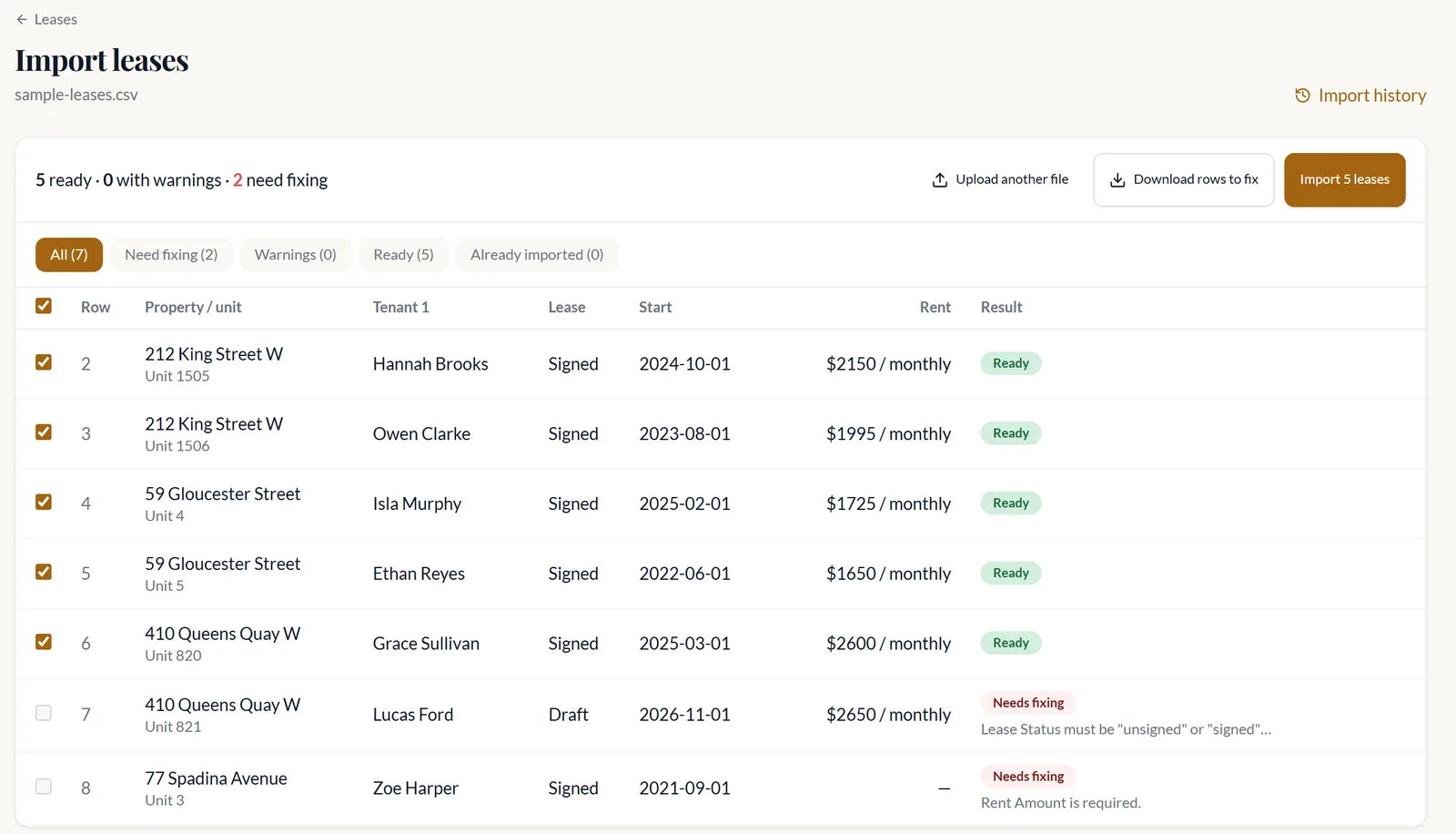
October 2026 update
Rent by pre-authorized debit, leases imported in bulk, and notices on the new LTB forms.
Released · Full changelog
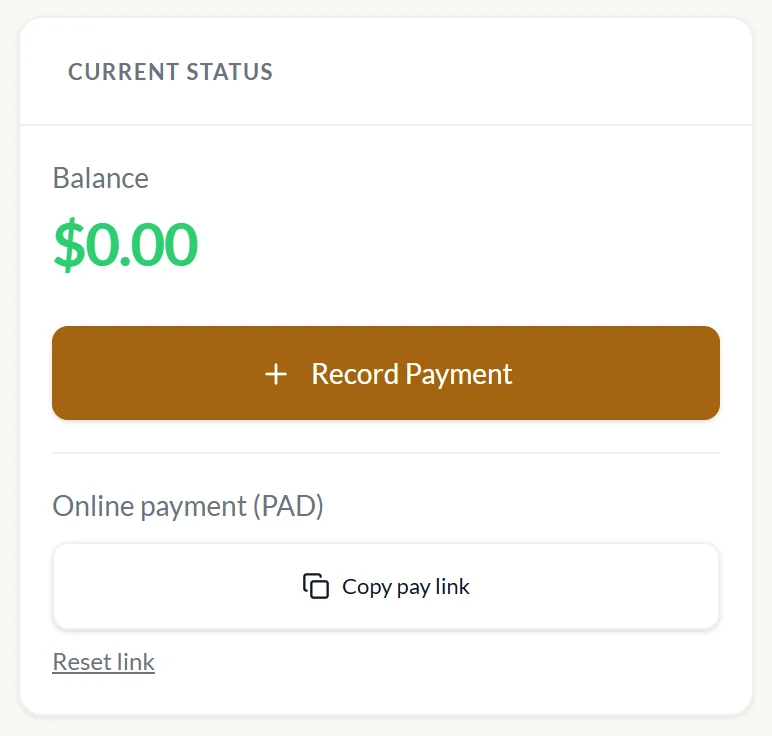
Send a pay link. Your tenant connects their Canadian bank account and pays the balance.
On every paid plan. Not for leases synced from DoorLoop.
Upload a CSV or Excel file with up to 1,000 leases. Property managers can bring a Buildium export, with past invoices and payments.
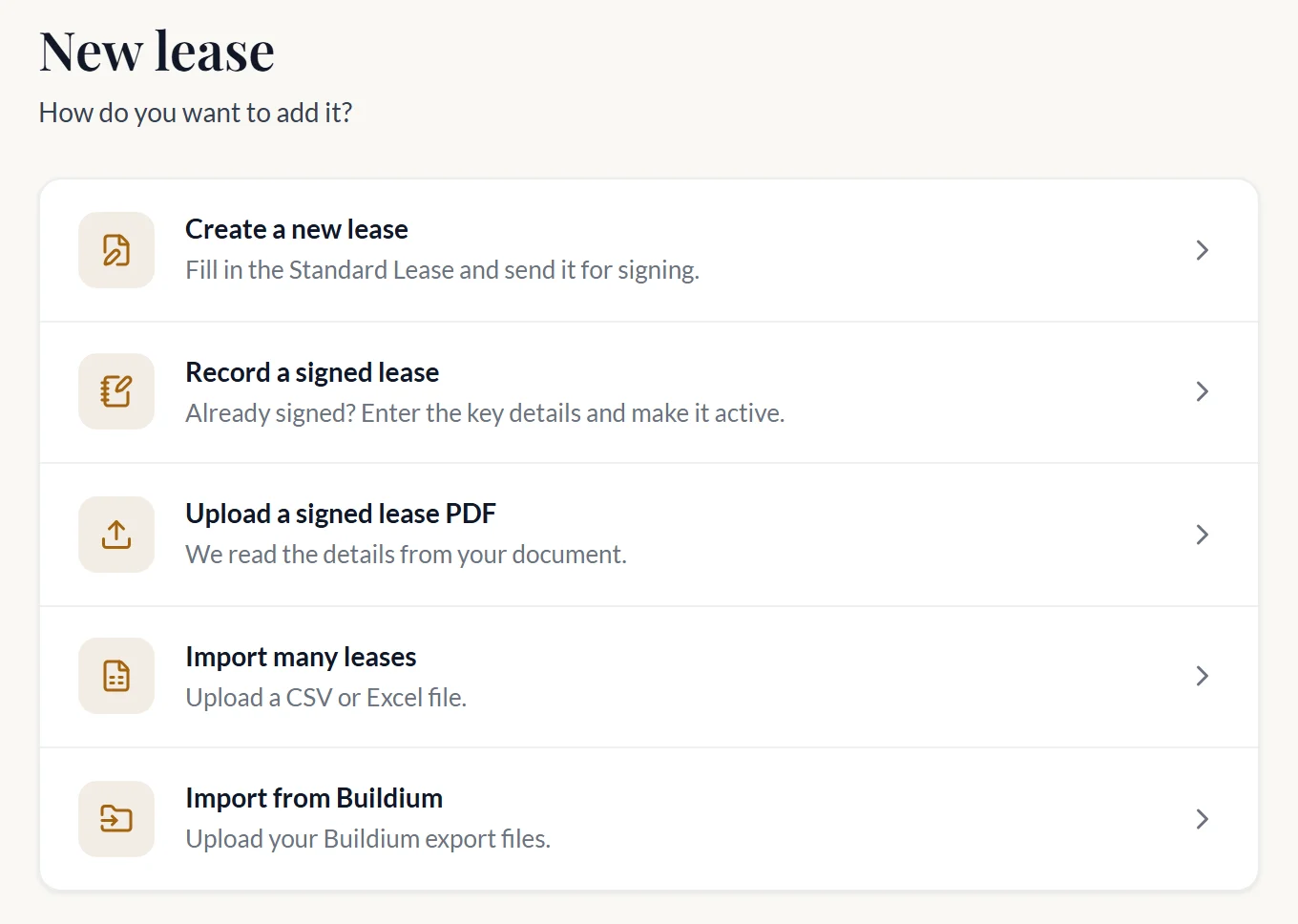
How the import worksWrite a new lease, record a signed one, upload the PDF or import many. Enterprise plans can start from a DoorLoop lease.
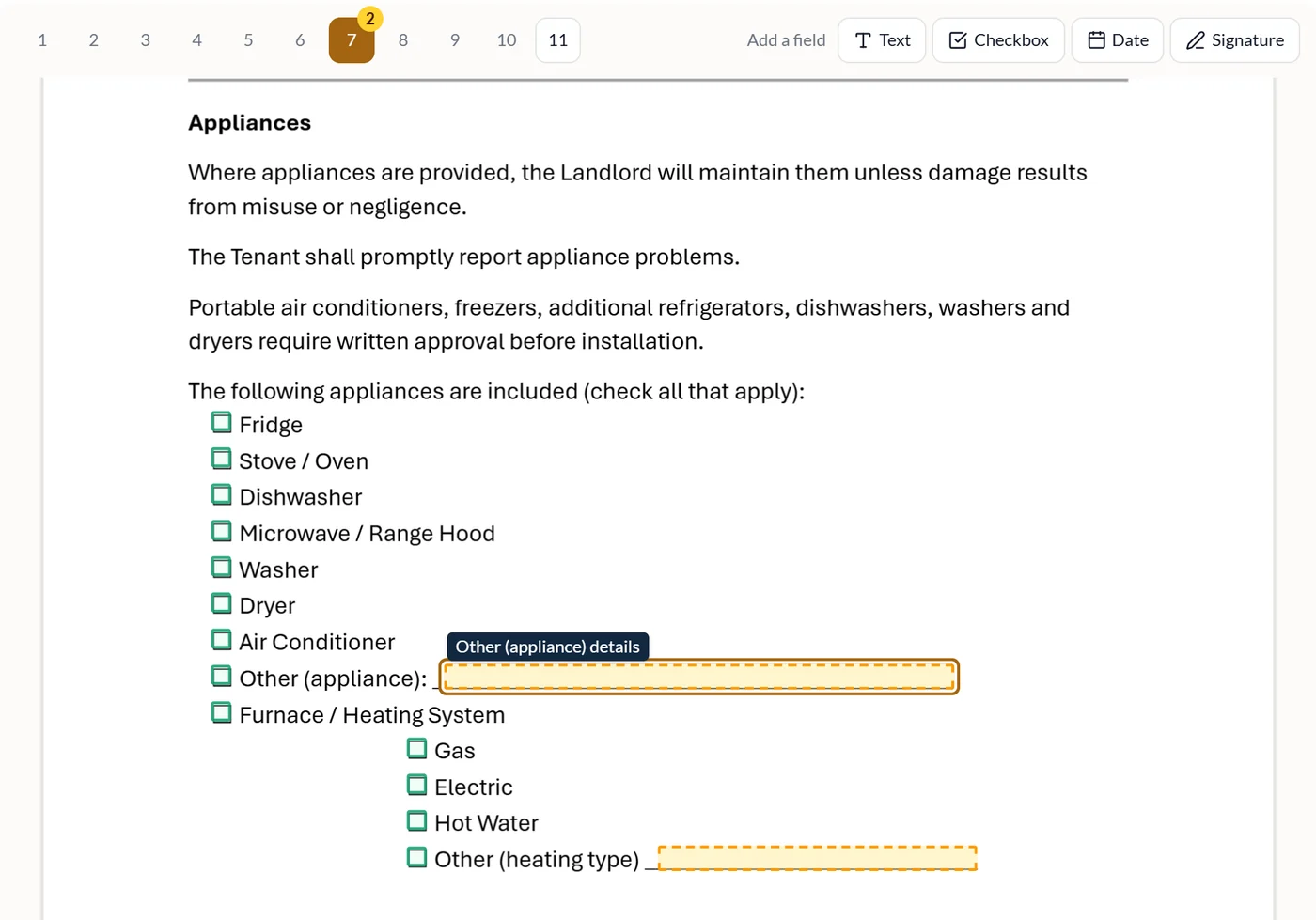
Upload your appendix PDF. We find the checkboxes and blanks, and new leases start with your saved answers.
Notices given from September 21, 2026 print on the current forms. The N8 now lists each late payment it counts.
Already a customer? It's live in your account now.